

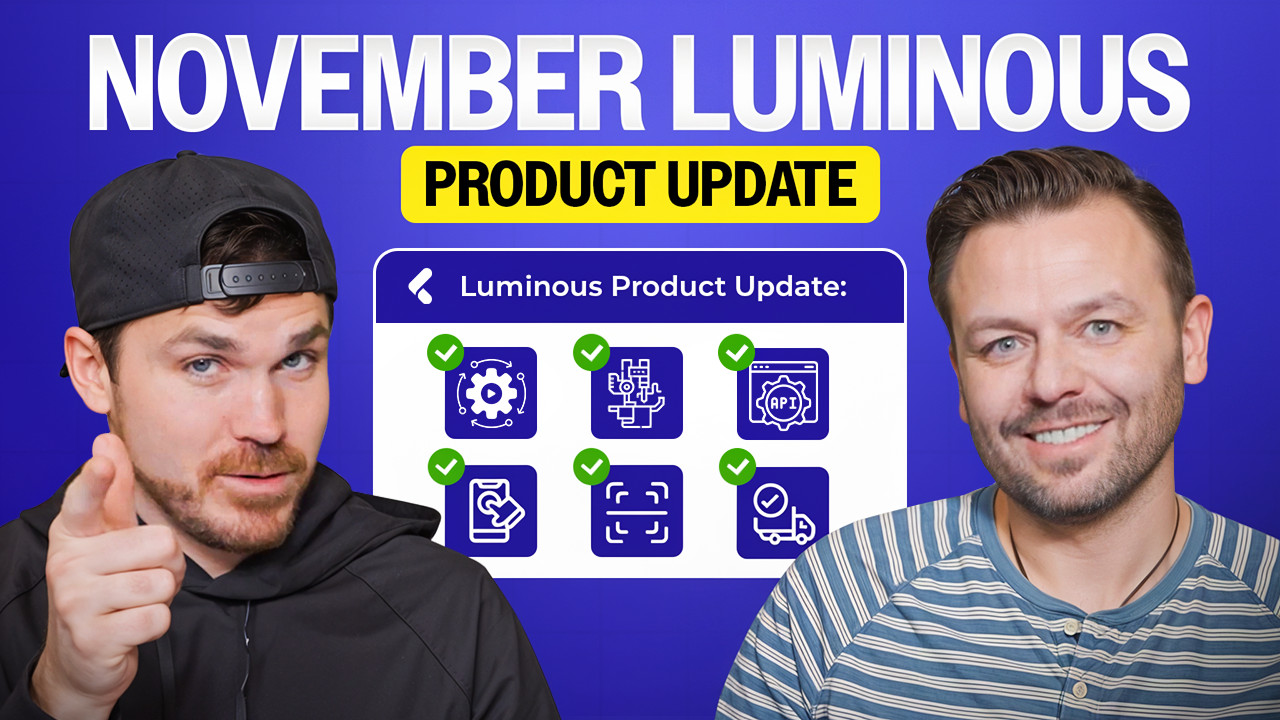
November Luminous Product Update

Listen On

.svg)

Meet Jared Ward and Billy Bush
Jared Ward and Billy Bush are the leadership duo behind Luminous, an operations-first ERP built to simplify the "dirty" side of e-commerce. As CEO and Founder, Jared brings a "no-fluff" perspective to supply chain management, focusing on replacing legacy systems with intuitive, AI-assisted tools that any operator can use. As Head of Product, Billy translates complex warehouse needs into high-performance features, from advanced API expansions to mobile picking apps. Together, they host the Product Marketing Podcast, where they share a candid, behind-the-scenes look at building the ultimate command center for modern brands.
Episode Synopsis
Jared Ward and Billy Bush introduce a series of tools designed to replace manual data entry with scanning and automation. The standout is a new Pick and Pack app for the warehouse floor, which uses a tote-based system and mobile scanners to tighten quality control during fulfillment. This is paired with a "scan-to-receive" feature for incoming inventory, ensuring that stock is verified the moment it hits the dock to prevent downstream errors.
The platform also debuts an AI-assisted automation engine that lets operators build "if-then" rules using plain English instead of technical jargon. Other efficiency updates include a bulk shipment importer that maps packing slips directly from Excel files and a "quick assembly" view that shows exactly how much stock can be built or recovered from the stocks grid. For brands selling kits, these assembly numbers can now be pushed to sales channels via API to maximize available inventory without manual calculations.
Ops Unfiltered Episode 52 unpacks:
In this episode, Jared and Billy introduce a suite of automation tools led by a new mobile Pick and Pack app and a "scan-to-receive" feature designed to eliminate manual errors on the warehouse floor. They debut an AI-assisted automation engine that allows operators to build complex rules using plain English, alongside a bulk shipment importer for Excel. Additionally, the update features a "quick assembly" view for kits, enabling brands to calculate buildable stock instantly and push those accurate inventory levels to sales channels via API.
- Jared reveals a revamped automation engine that uses AI to let operators build complex "if-then" workflows using plain English instead of technical jargon.
- Billy discusses the launch of the new Pick and Pack app, a dedicated warehouse tool that introduces a mobile "scan-to-tote" system to eliminate picking errors.
- Find out what Jared & Billy are doing to streamline inventory receiving with a new "scan-to-receive" feature and a bulk shipment importer that maps packing slips directly from CSV files.
Jared Ward: 0:00
What's going on guys? Welcome back to the product marketing podcast. I'm here with Billy, our head of product. Hello. First, I'm gonna kick this off. We have revamped automations. So, for many of you users, you guys are probably familiar with automations from other platforms like ShipStation and many others. They're very flexible tools where you can create workaround workarounds as an operator. The UI is just much more pretty. It's easier to configure. Instead of having developer words and their like orders or like events and triggers and field statuses and all these things, it's dead simple. When, if, then. And you can actually just use AI to generate it. So I can just type this in layman's terms, like when an order is created, tag it with this custom tag, or maybe send an email notification to this email, and it will get you 90% of the way there. And it's really easy to toggle it on, see what's working, see what's not working. But if you haven't given our automations a try, go give them a try now because they're much easier to use. Also, side note we something that's really important that makes automation super powerful is the ability to create automations from a custom field and object. And that was a massive expansion that we just did. Next on the docket is quick assembly and disassembly flows. Okay, so Luminous is the concept of assembly and disassembly. So there's a lot of customers out there who they don't want to go through like a full process, through a full assembly order process from start to finish. Too many clicks, a lot of things. Sometimes you just want to go, you just want to see how much stock is available to be assembled or that you can recover through a disassembly, and you just want to go through it really quickly. So we're adding actions in more spots. In fact, we've already added it to the sales order line item view. So if you want to do these quick flows from the sales order line item view, you can do that as well. What I'm showing you right here is from the stocks grid page. So this is just a visualization of all of your stocks. Now in the columns, and this is the same on the sales order line item page, you can see the quantity recoverable via disassembly or quantity available via assembly. So I can see what's on hand and available for these products, and I can also see what I can get through a assembly or disassembly. So it's really simple. I just select the boxes, go to actions, and I create a bulk disassembly order. So I can for some of these you can I'd off to select the bomb, but eventually you can just click save all and voila. Quick assembly and disassembly. Also, that's it's currently available in our API if you want to take, if you want to combine the available number of that SKU and the available through assembly or recovery via disembly, and we can you can push that to your sales channel.
Billy Bush: 2:43
Yeah. So giving giving the context there as far as use cases, yeah, you want to show in Shopify whatever your channel is, not just what you have available, but you want to keep selling even beyond that to what you could get if you were to put things together or break things down and make sure it stays available on the channel. So that is available in the API to add in and and uh add your available inventory. Uh next, we've had a pretty significant expansion of the API in general. We've been adding a lot of additional like available fields, available objects. You can add and customize the custom fields, you can retrieve what those are, you can create uh build uh build of materials and and assign those bombs to products. There's a lot more product uh data, including like DIMMS of like shipping and shipments and pallets and and product uh dimensions and weights and all sorts of things that we've added in there, really continuing to expand the API to uh give you a lot more flexibility in what you integrate with and and what it can work with. So this has been great with anybody using certain tools like other product management systems or channel management systems, things of that nature where they're able to integrate directly with Luminous and take advantage of it, including as we've mentioned, the available stock from disassemblies or from assemblies and other things. All right, next we've got a big announcement here with a new app that is part of the Luminous family here, and it is our pick and pack app for warehouses. So scan the tote. Yes, exactly. So this app is available for scanners and tablets and devices that way that are on the warehouse floor and uh actually part of the pick and pack process. So your team can actually have a full set of totes, assign tote IDs to orders, and then go around and you know be shown the location where they need to go to pick items, scan the SKUs with the uh um with the scanners, apply them to the totes the whole nine yards. So it's a a full, you know, you can have the full tote cart system running around to do the pick flow and and take care of that. And uh, you know, some of those things, I mean, being able to scan barcodes, UPCs, SKUs, you can set tote IDs to whatever you'd like and do all sorts of things that way to uh to be able to select your items. So yeah, you can scan the SKU and then it will show you which tote to put it in and do the whole thing, keep things straight and make your uh pick and pack experience much tighter. And upon completion, once you've actually picked what you need to, that can then be passed on to a uh packing system such as ShipStation to uh actually pull postage and and move forward. But you can actually scan the tote for verification right there and get your postage and and move on. So this is a big, big addition because it is something that can run kind of independent of the primary Luminous account and work directly with it to create pick lists and do what you need to do.
Jared Ward: 5:27
All right, and last on the list is scan to receive. So in our normal receiving report form, you can now we we now have an optional scan to receive flow. It's actually available for everybody right now. But the way it works is you find the purchase order or the shipment that you're going to receive against. You can either add the PO line items, which is just the default receiving flow. Now you can have this scan to receive option, which all this does is obviously there needs to be some setup here. You have to make sure that all of your SKUs are mapped correctly. There's actually a barcode that you can scan, but assuming you have your supply chain set up correctly and that the stuff comes in, all has something scannable, you can now scan every single one of these items. Um, this is just for deeper QC. It's in tandem with the scan to tote pick and pack app. At least like these updates are coming around the same time. All of it is in the name of better QC for your inventory controls at receivable and at pick and ship.
Billy Bush: 6:25
And that's it. Do you want to do the we could also do the import uh on shipments? Oh we forgot about that one, but this just reminded me because that's similar kind of okay.
Jared Ward: 6:35
So this actually this one's the contents of the shipment normally come from just a packing slip from the supplier, either like a PDF or an Excel file. And that's what you're it's a really manual process to split off the shipment. So we built a we built an import for the shipments. Now when you go to split off shipment, uh you just click import items, you can drag and drop a CSV or Excel file. I think we're going to expand it to PDF, but for now it's just CSV and Excel. It will auto map if these exist and it will split off a shipment for you.
Billy Bush: 7:06
So it adds all the line items there so you don't have to manually do it, and it can take mixed POs. That's the VDW there is you can import like the exact packing list that you get, and it might include multiple POs, multiple suppliers, all those sorts of things, or even portions of POs. It'll just pull in the line items you need, so it's a lot easier to get the shipment in directly. And this is just the start of what we're gonna do with importing the shipments.
Jared Ward: 7:28
So yeah. Good stuff. And that's it. Merry Christmas, guys. I gotta hop on a call.